GK61 Keyboards
A 61-key mechanical keyboard with Gateron switches and per-key RGB. At about 11.5 inches wide, it gives your mouse the desk space a numpad used to take.
GK61 Models and Colors
Every GK61 has the same 61-key layout. What changes is the switch under the keys and the color of the case. Filter by how you want the keys to feel.
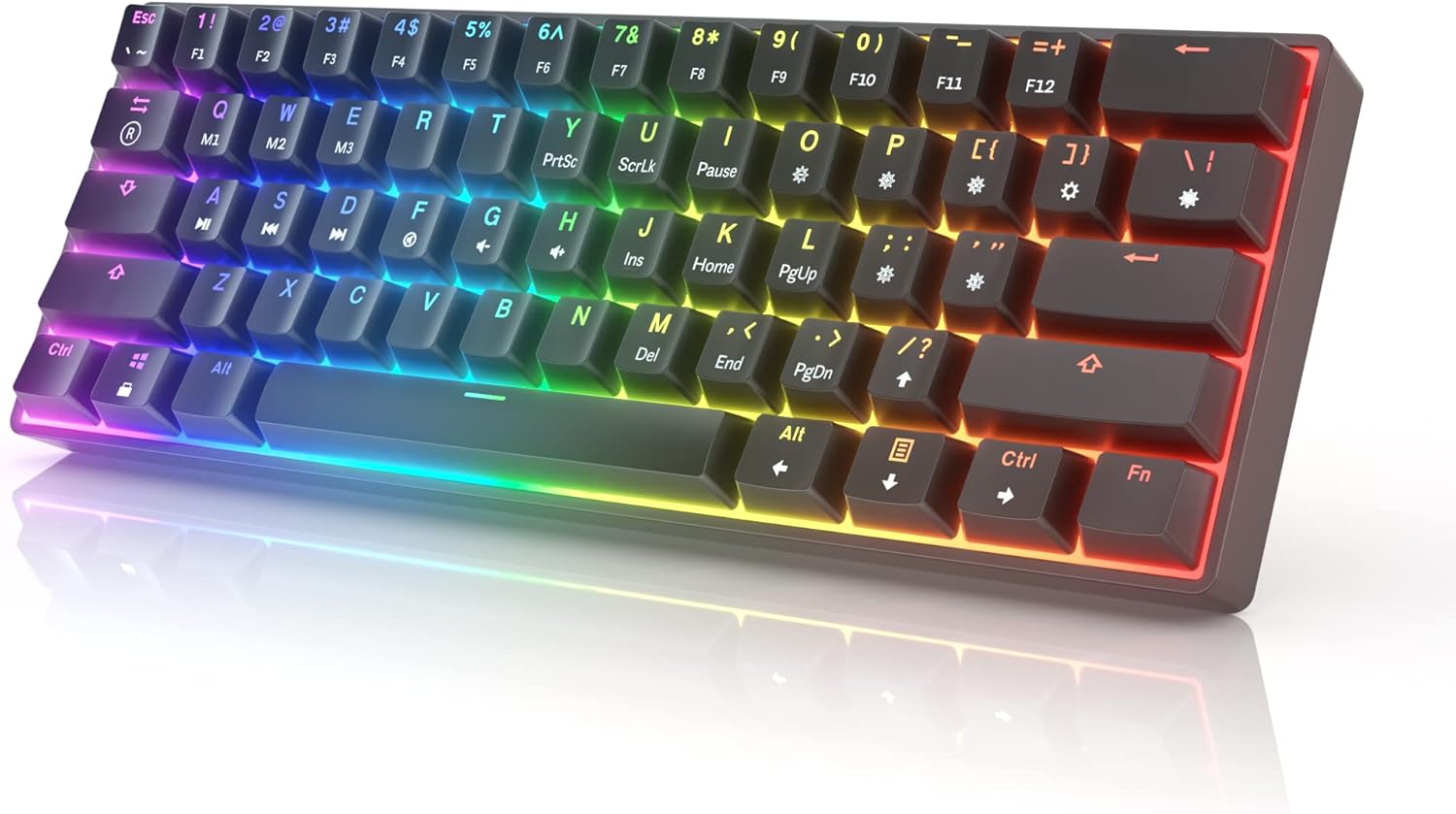
GK61 Gateron Optical Brown
Black keycaps, tactile Browns and RGB that really shows in a dark room. A small bump on every press and no click, so it works for games and long typing sessions.
Check price and colors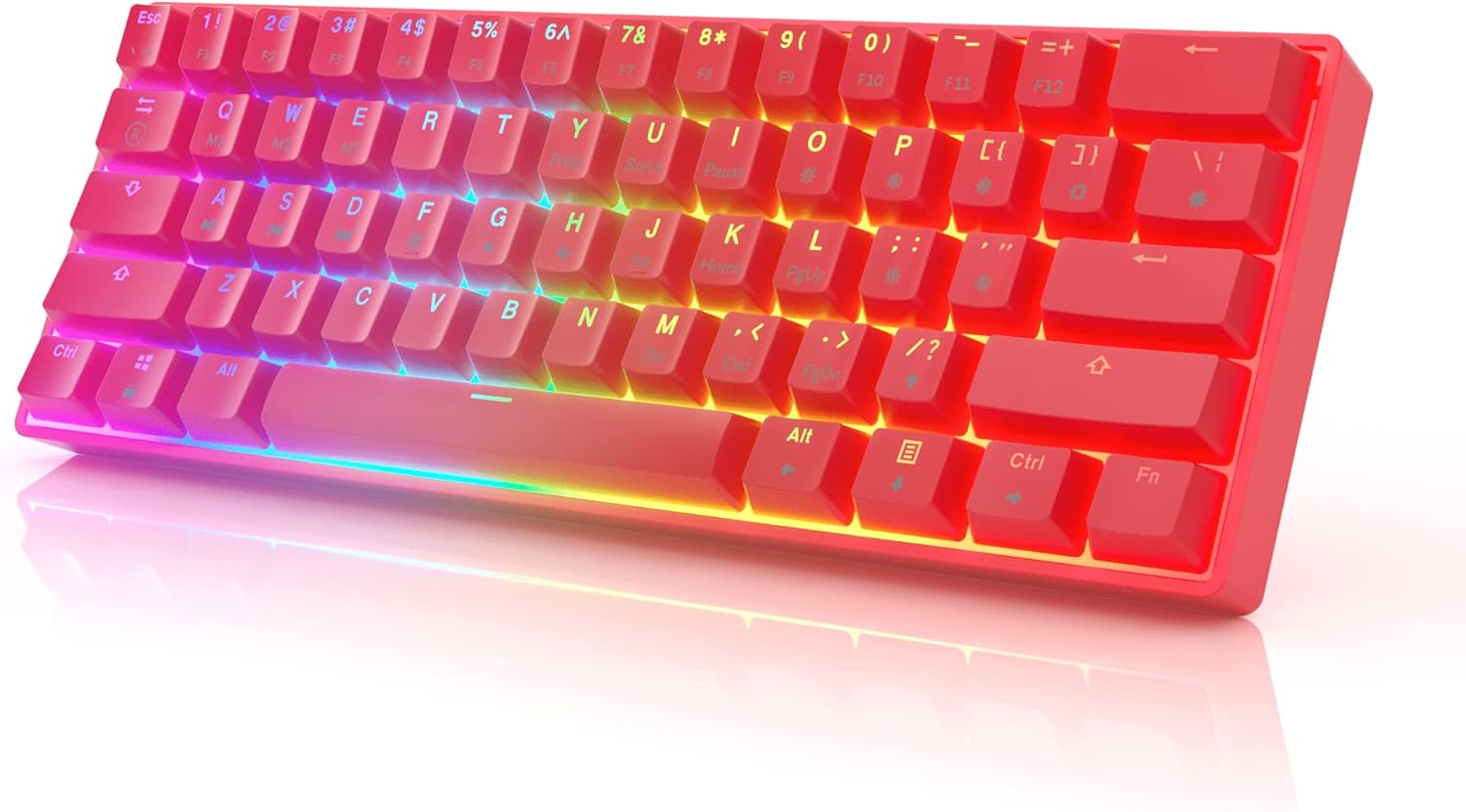
GK61 Gateron Optical Brown
The same tactile Browns in an all-red case with matching keycaps. Quiet enough for a shared room, with enough feedback that you feel each key register.
Check price and colors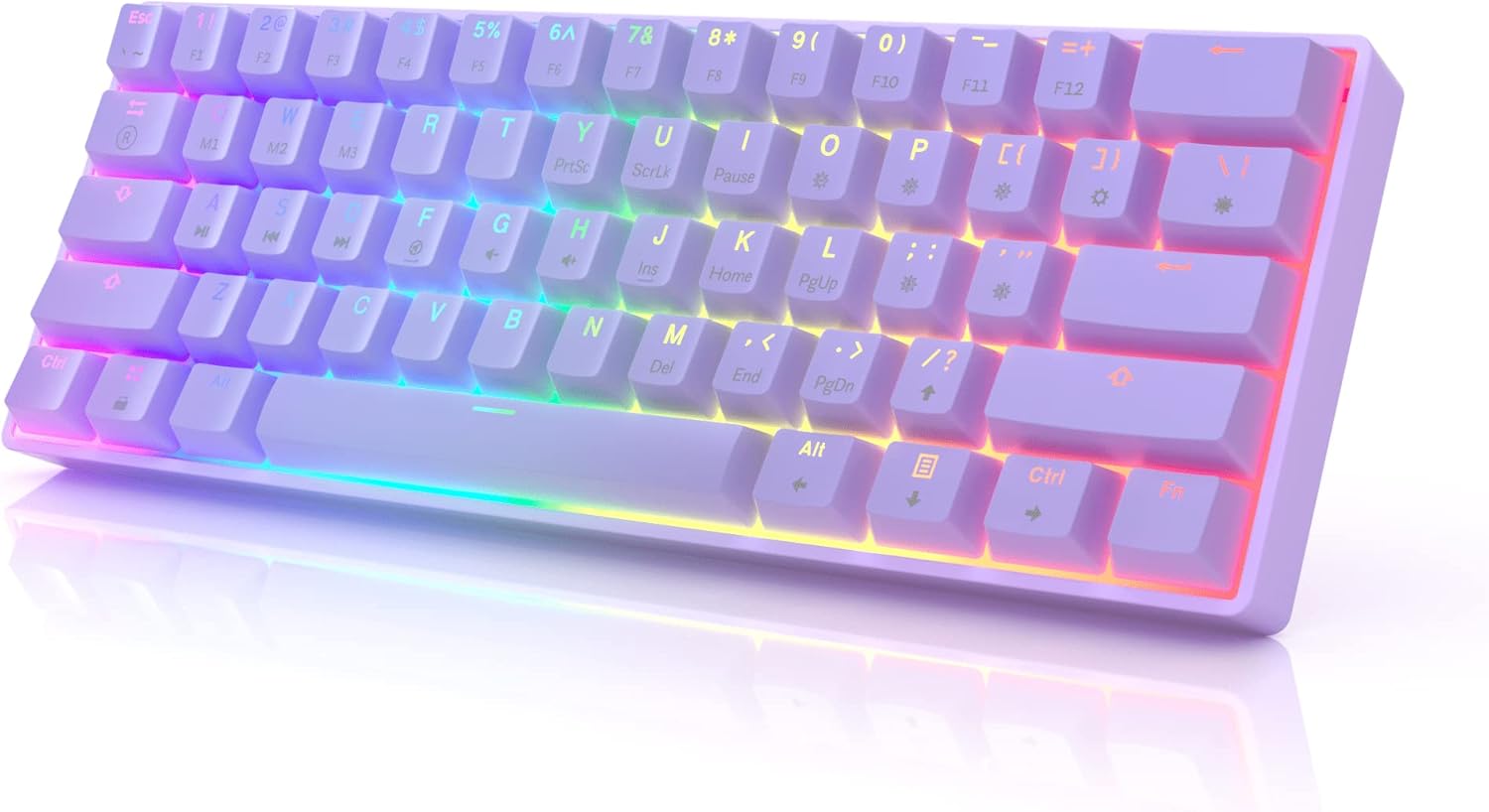
GK61 Gateron Optical Blue
Pastel lavender case and keycaps with clicky Blues. Every press has a bump and a crisp click. Great if you type alone, less great on a voice call.
Check price and colors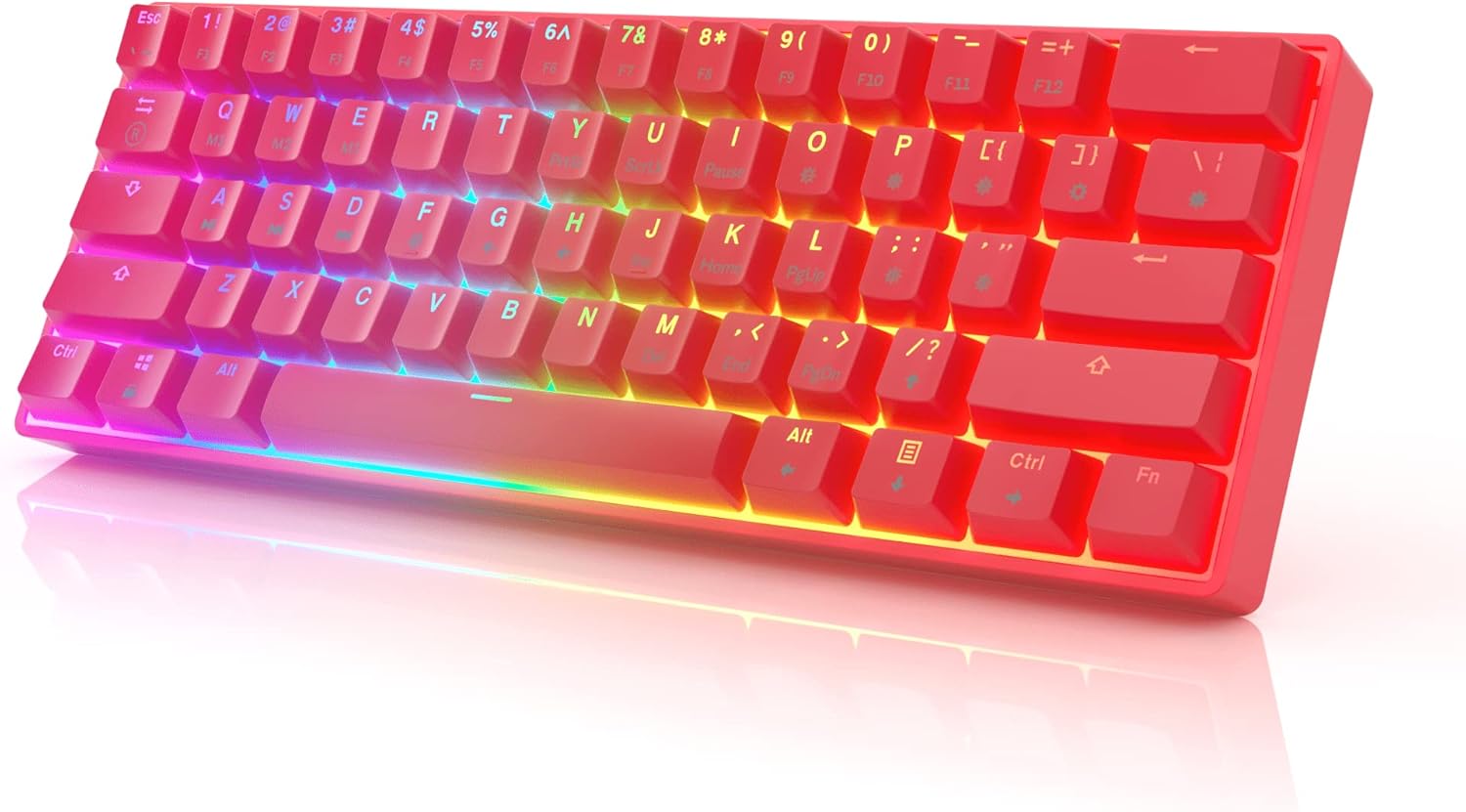
GK61 Gateron Optical Blue
Bright red with clicky Blues on a hot-swap board. If the click gets old, pull the switches and drop in compatible Gateron opticals. No soldering needed.
Check price and colors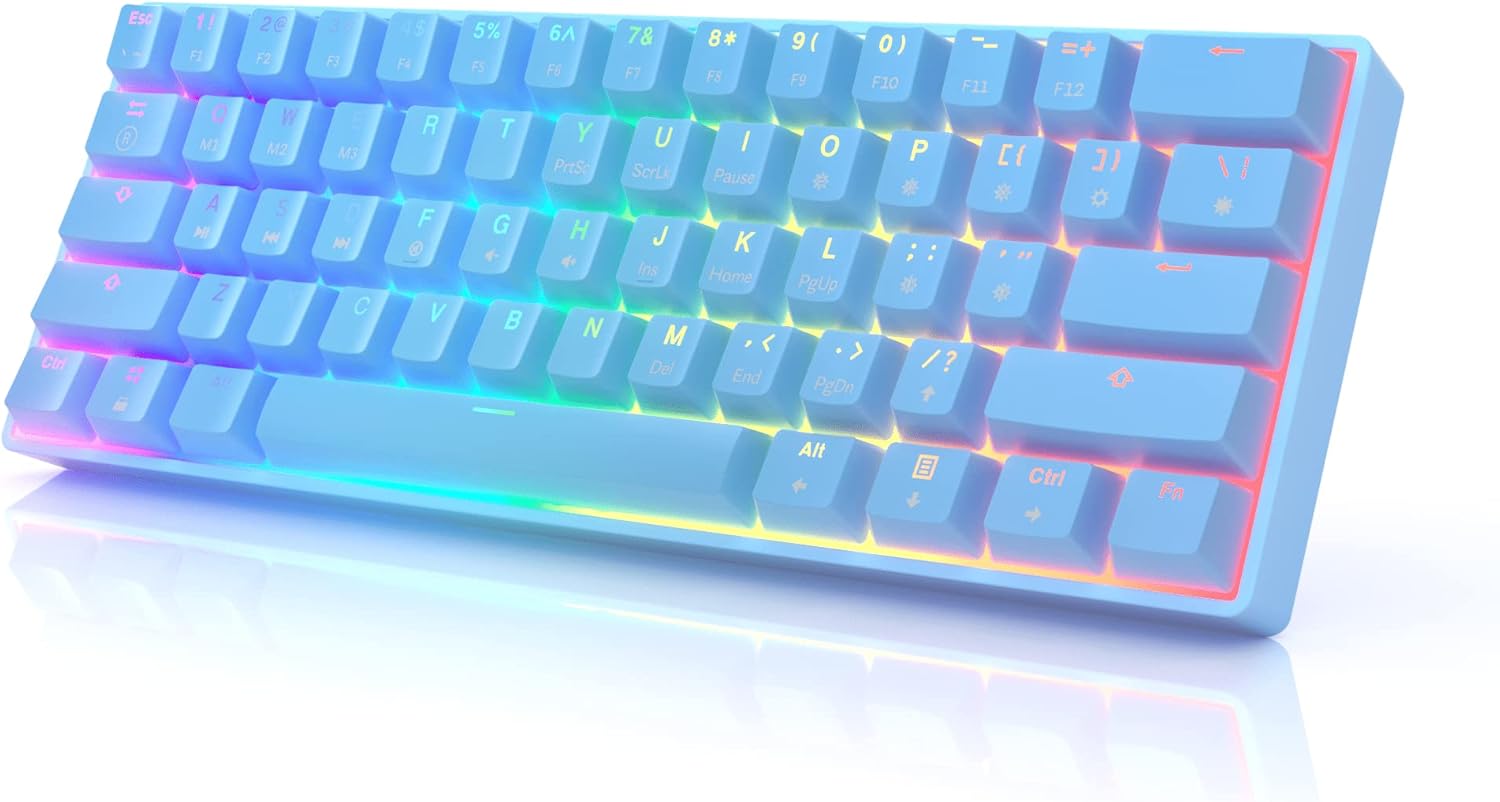
GK61 Gateron Optical Black
Smooth linear travel with a firmer push than Red. Good if you rest your fingers on WASD and keep triggering keys by accident.
Check price and colors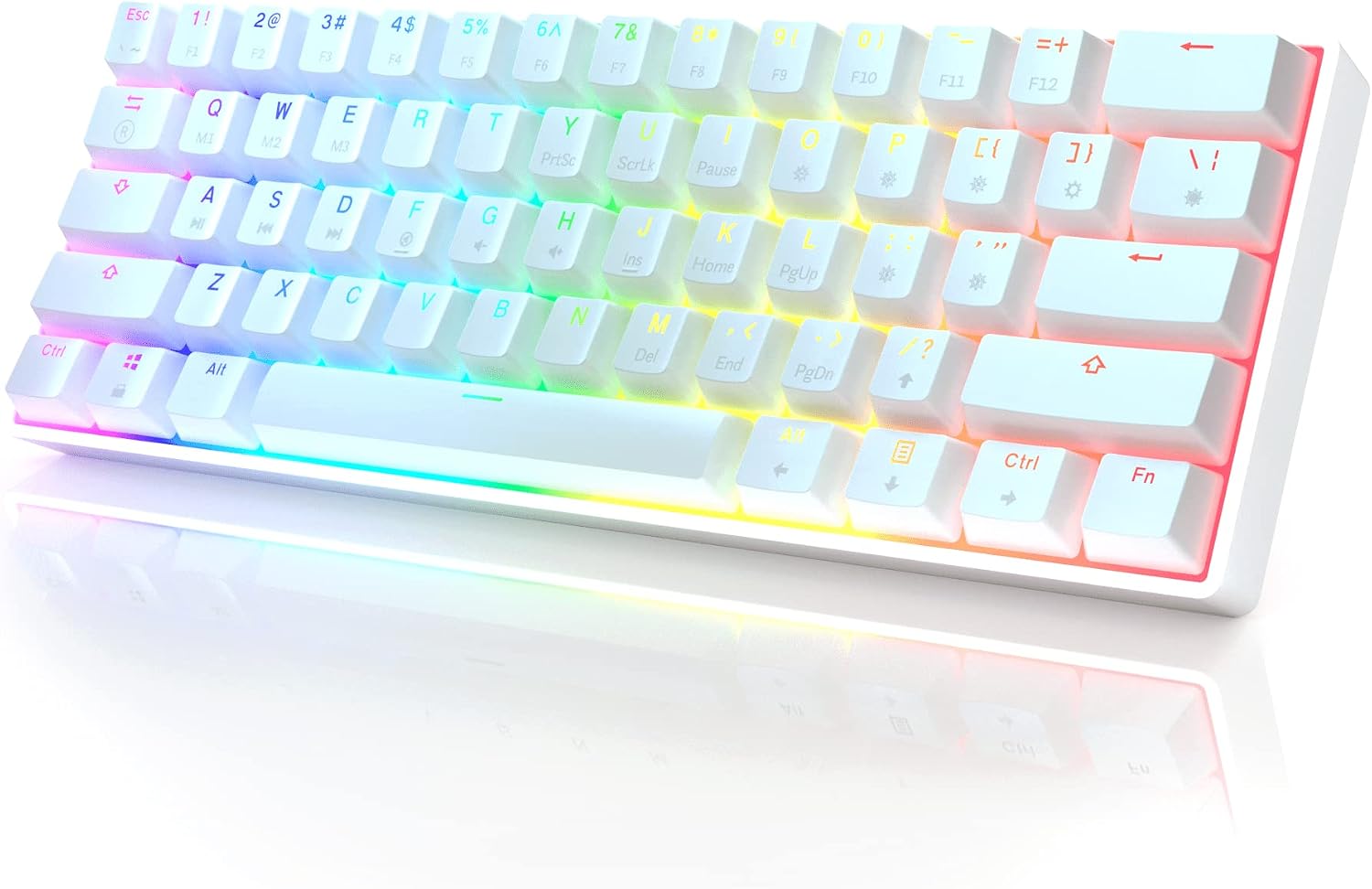
GK61 Gateron Optical Silver
The shortest travel in the lineup. Silvers register with very little key movement, which suits light-handed players who want inputs to land fast.
Check price and colors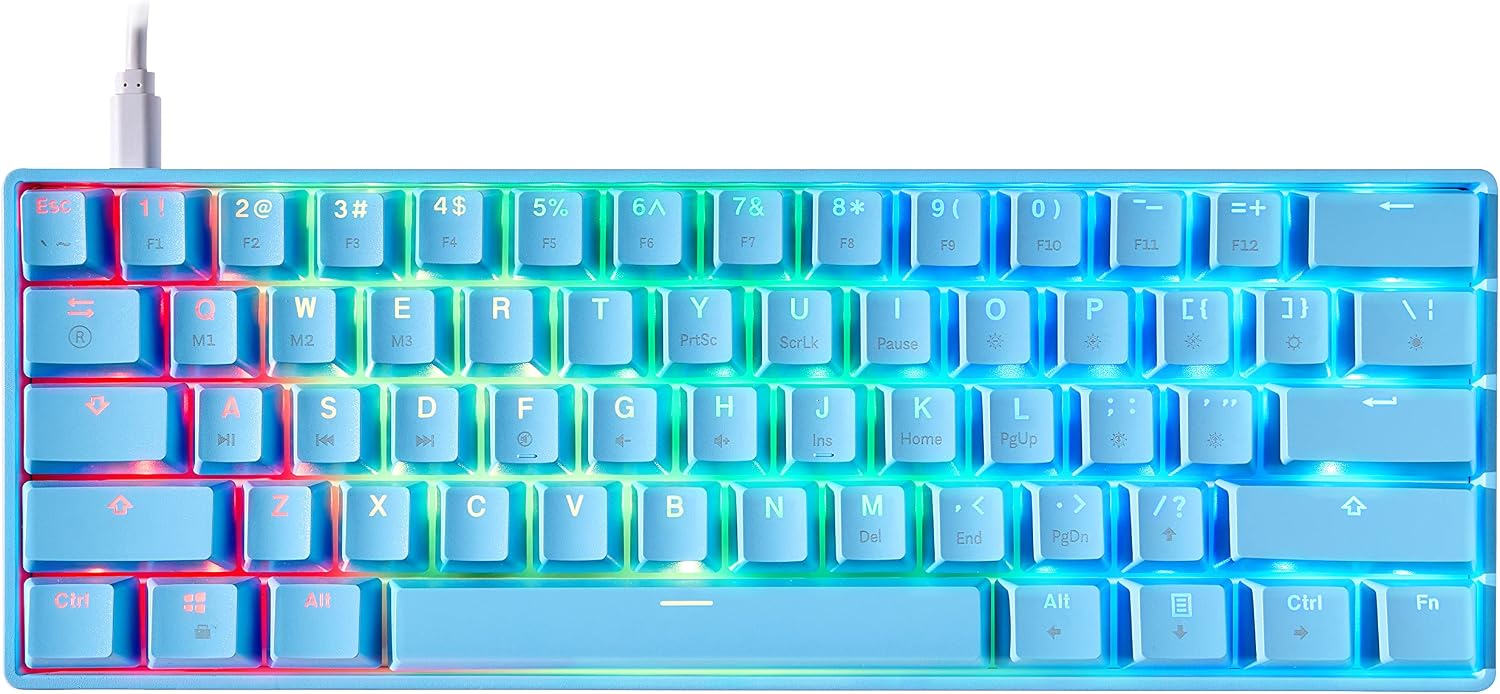
GK61s Gateron Mechanical Black
Traditional mechanical Gateron Blacks instead of optical ones. Pick this edition if you want to try regular mechanical switches later. Check the listing for supported pin types.
Check price and colorsWhich GK61 Switch Should You Get?
The switch is the one choice you'll notice every time you press a key. Linear switches go straight down, tactile ones have a small bump, and clicky ones add a bump and a sound.
| Gateron switch | Type | How it feels | Good for |
|---|---|---|---|
| Red | Linear | Smooth, no bump, medium weight | All-round gaming, WASD movement |
| Yellow | Linear | Smooth and a bit lighter than Red | Fast, repeated inputs in FPS games |
| Silver | Linear | Shortest travel, very light touch | Players who want the earliest actuation |
| Black | Linear | Smooth but noticeably heavier | Heavy hands, fewer accidental presses |
| Brown | Tactile | Small bump, no click | Gaming plus typing, a first mechanical keyboard |
| Blue | Clicky | Bump plus a loud click | Typing feel, rooms where noise is fine |
Not sure? Start with Brown
Browns are the safe middle. You feel each key register, but they won't annoy anyone else in the room. Owners who game and type on the same board often land here.
Share a room? Skip Blue
Blues are loud, and the click carries into a headset mic. They're a joy to type on if you're alone, and a common reason a roommate or partner starts complaining.
Optical or mechanical
Optical switches register with a beam of light instead of metal contacts. Optical boards only take optical switches, and mechanical boards only take mechanical ones, so decide now if you plan to swap later.
What You Get with a GK61
61 Keys, 60% Size
No numpad, F-row or arrow cluster. Arrows, F1–F12 and navigation keys sit on an Fn layer, so the board stays about 11.5 inches wide.
Gateron Switches
Optical Red, Brown, Blue, Yellow, Black or Silver, or traditional Gateron mechanical switches on selected editions.
Per-Key RGB
16.8 million colors and up to 20 built-in effects. Change them with Fn shortcuts, or set colors key by key in the Windows software.
Hot-Swap Sockets
On supported editions, pull a switch out and push a new one in. No soldering, and one dead switch doesn't mean a dead keyboard.
GK61 Specs
The numbers below cover common HK Gaming GK61 configurations. Some details change between revisions and switch editions.
| Layout | 60%, 61 keys, US ANSI |
|---|---|
| Switches | Gateron Optical or Gateron Mechanical |
| Hot-swap | Yes, on supported editions |
| Backlighting | Per-key RGB, 16.8 million colors |
| Lighting modes | Up to 20 built-in effects |
| Polling rate | 1000 Hz on specified models |
| Rollover | N-key rollover on supported models |
| Keycaps | Double-shot ABS on common models |
| Connection | Wired, detachable USB-C to USB-A |
| Cable | About 5 ft (1.5 m) |
| Size | About 11.5 × 4.02 × 1.57 in |
| Works with | Windows, macOS, Linux; PS and Xbox in supported games |
| Software | HK Gaming utility for Windows (RGB, macros, remapping) |
Living with a 60% keyboard
- Your mouse gets more room, which matters most if you play on low sensitivity.
- WASD, Shift, Ctrl and the number row stay where you expect, so game controls don't move.
- Arrows and F-keys take an Fn combo. If you live in spreadsheets or video editors, that takes some getting used to.
Setup and compatibility
- Plug it in and it works as a standard USB keyboard. No driver needed.
- Windows, macOS and Linux for typing and gaming. The configuration software is Windows-only.
- PlayStation and Xbox accept it in games that support keyboard input.
GK61 Keycaps and Customization
The stock keycaps on common models are double-shot ABS. The legends are molded in rather than printed, so they won't rub off, and the light shines through them cleanly. Like any ABS keycap, they can pick up some shine after a lot of use.
The GK61 uses a standard US 60% layout with cross-shaped stems, so most aftermarket keycap sets with 60% support fit. Owners swap in pastel sets, two-tone sets and even rubber WASD keys, as you can see in the photos below. Before you order a set, check that it includes a 6.25u spacebar and a 2.75u right Shift.
Switches, lighting and key functions can all be changed too. Hot-swap editions take new switches without soldering, the lighting changes from the keyboard itself, and the HK Gaming software adds macros, key remapping and per-key colors.
GK61 Keyboard Reviews
4.6 out of 5 from 5,600+ reviews
“Very nice keyboard and still working and going strong after 1 year. And the cable it comes with is very long lasting still using the same one it came with and no visible wear or tear on the cable. I also like how it is very customizable to your likings. The stabilizers are pretty bad not the worst you'll get used to how it feels at some point. It's price point is good and fairly cheap considering how good this…”
“I use this for gaming every day, I adore it. I've bought four other 60% keyboards around the same price range and they've got this weird thing where all of the punctuation is quadrupled up on strange keys.. this one does NOT have that problem and I'm so thankful! I got blue switches and they sound phenomenal. The rgb on this is beautiful and the settings are super easy to change so I never forget how to do it. This…”
“hello everyone I just want to let you know how amazing this keyboard it came so fast and beautiful and the sound is sooo good because I am a clicky switch man and I took the blue optical switches and ohh man this is sound the best I cannot tell you how amazing this feeling and the RGB light are very shiny and I like it and I'm so exited so if anyone don't know if to buy this or no you should have no question this…”
“This keyboard is just cool. I bought this in red with blue switches and love the feel and size of it. It saves a ton of space on my desk and does not feel in the way. I have played multiple games on my PC with it and it is doing great. I can type on it as well with no issues, as I write a lot of code for my projects.”
“I bought this keyboard and a few others. This is the same as the Asceny One, The Anne Pro 2 but without wifi, and a few others all on Amazon. This brand didn't try to mask the label. I was going to build a keyboard with the same switches. and a similar PCB and it would have cost me 4 times more. I am super happy with the browns. I have Cherry Reds at work and they are way too sensitive. I constantly mistype. I…”
“This keyboard is AMAZING for the money. Good quality Gateron switches of your choice, good solid heavy plastic, cool RGB lighting with preset modes, quality USB-C cable. The software for the RGB is hard to use and figure out, but the keyboard does have plenty of preset lighting modes, so it doesn't really matter all that much. This keyboard is also hot-swappable, so in future you can switch out the key caps, the key…”
“I got this keyboard with the optical brown switches as my first actual “mechanical” keyboard. The buttons sound nice and deep, colours flash bright, and the red actually looks really nice without looking like a toy or cheap. Even with the lack of buttons compared to a full size I highly recommend it for anyone looking for a solid keyboard without the name brand price”
About HK Gaming and the GK61
HK Gaming makes gaming peripherals, mostly compact mechanical keyboards that don't cost much to get into. The GK61 is the one most people know.
It took features that used to belong to enthusiast boards, like Gateron switches, hot-swap sockets and per-key RGB, and put them in a 60% keyboard at an entry-level price. That's a big part of why it became one of the best-known budget 60% keyboards.
The design goes back further than HK Gaming. SKYLOONG's team started refining the open-source GH60 keyboard in 2016, and the GK61 platform grew out of that work. It was later made and sold through several partners, HK Gaming among them.
That history is why you'll see “GK61” on keyboards from more than one brand, and they don't all share the same PCB, firmware or software. If you're buying switches or downloading software for a GK61 you already own, match the brand and revision first.
HK Gaming's range now covers optical and mechanical editions, the GK61s and newer revisions, in black, white, red, blue, lavender and Malibu on selected editions.
GK61 FAQ
Found Your Switch?
Check current prices, colors and switch options for the GK61 and GK61s.
Shop GK61 Keyboards